Restricting driver phones across a large fleet: what does Knox Suite Essentials actually cover?
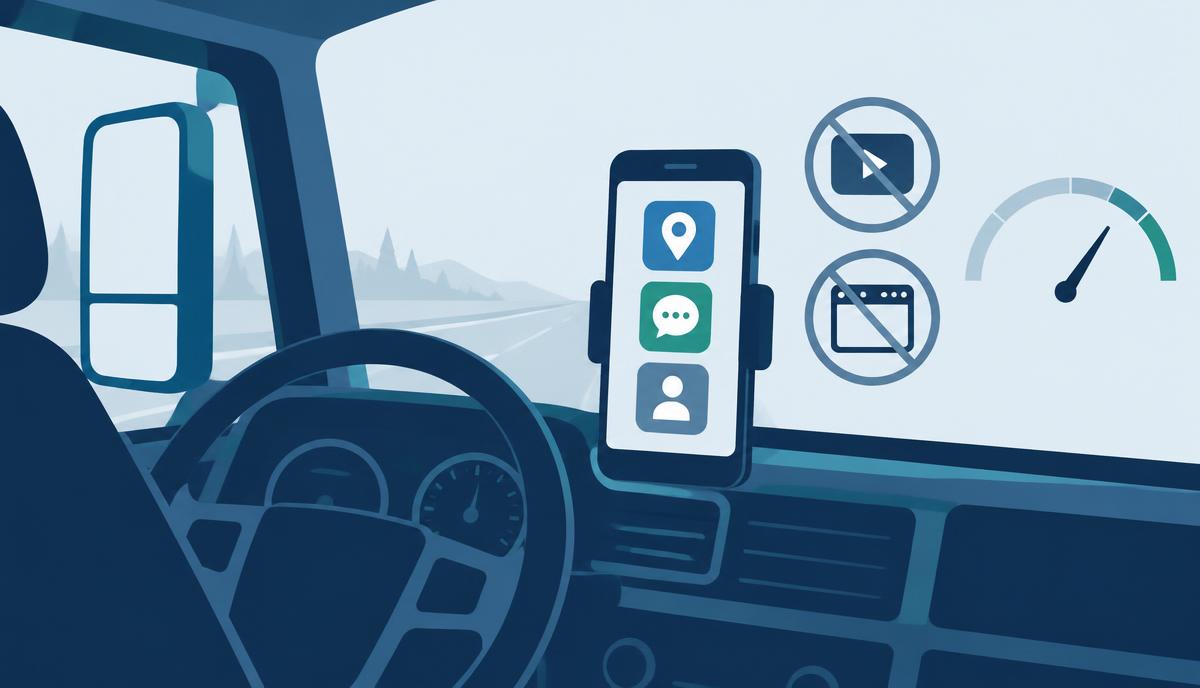
At Waberer's International Kft., some driver phones burned through as much as 10 GB of mobile data within a few days – on browsing, TikTok and YouTube. The sofortelefon.hu case study describes in detail how central driver-phone restriction was rolled out across the fleet. Rather than retelling the story, this article asks a different question: which of the project's tasks can be handled with the components of the Samsung Knox Suite – Essentials Plan, and where would the Enterprise Plan be needed?
The starting problem in brief
According to the case study, once a driver's mobile data runs out, they cannot submit CMRs, receive the next job's details or coordinate with dispatch. In extreme cases communication on a single phone could stop for weeks, meaning delays and penalty risk. The other recurring issue was accidentally changed system settings, which dispatchers tried to talk drivers through restoring over the phone.
The lesson the source itself highlights: a policy document is not enough, because a smartphone is built to do anything. The answer has to be a technical restriction.
What the driver got: one screen, three functions
In the deployed setup the driver sees a single screen: the work apps (dispatch app, client app, CMR submission), calling and SMS. YouTube, TikTok, the browser, the system settings menu and every other non-work app are blocked. Operations install and update apps remotely – Google Play apps and custom client apps alike – connect to the phone when needed, and manage policies centrally.
The tasks, mapped to Essentials components
App and feature restriction: Knox Manage
A single-screen, restricted view is a classic use of Knox Manage kiosk mode. The Kiosk Wizard builds a multi-app kiosk with the required apps, blocks the settings menu and status bar, and lets you allow background services separately. This is part of the Essentials licence.
Galaxy-specific restrictions: Knox Platform for Enterprise
On Samsung Galaxy devices, Knox Platform for Enterprise policies – delivered via the Knox Service Plugin – allow finer restrictions than Android Enterprise alone, such as disabling certain hardware or system functions. This is also included in the Essentials Plan.
Controlling mobile data use: Knox Manage policies
In the case study, the primary data control was simply that no app on the phone could use the connection for streaming. Knox Manage event-based policies can add to this: on roaming or SIM change, a stricter policy can apply automatically. SIM-change and geofence events are available on Android.
Fleet-wide app deployment: Knox Manage
Deployment from Managed Google Play and in-house packages, plus version updates, is core Knox Manage functionality. It covers what the source describes as central updating of custom client apps.
Remote troubleshooting: Knox Remote Support
Support connecting to the driver's phone remotely to see and fix the problem is the job of Knox Remote Support. It is included in the Essentials Plan, launched from the Knox Manage console and documented for Android devices.
What the case study reports about results
„90% of the manual configuration tasks related to driver phones were eliminated. Several FTEs were freed up from the process.”
According to the source, the system's full three-year implementation and operating cost paid back within a few months. These figures are reported by the sofortelefon.hu case study; we do not add estimates of our own.
Where is the plan boundary?
All of the tasks above stay within the Essentials Plan. Enterprise would be needed if the fleet also wanted to pin the Android version on its Galaxy phones or schedule updates (Knox E-FOTA), required fleet-wide battery and app diagnostics (Knox Asset Intelligence), or had to enforce enrolment with a lock (Knox Mobile Enrollment Advanced settings).
Task → component summary
- Single-screen restricted view → Knox Manage kiosk (Essentials)
- Galaxy-specific restrictions → Knox Platform for Enterprise (Essentials)
- Roaming or SIM-change rule → Knox Manage event-based policy (Essentials)
- Fleet-wide app install and update → Knox Manage (Essentials)
- Remote access and troubleshooting → Knox Remote Support (Essentials, Android)
- Pinning the Android version, scheduled updates → Knox E-FOTA (Enterprise only)
If you run a similar fleet and want to know how much of it Essentials covers, get in touch – the Contact section is two clicks away.
Source: sofortelefon.hu/blog/waberers-sofortelefon-korlatozas-mobilnet-megtakaritas
Questions about the Essentials licence?
Request a licence quote