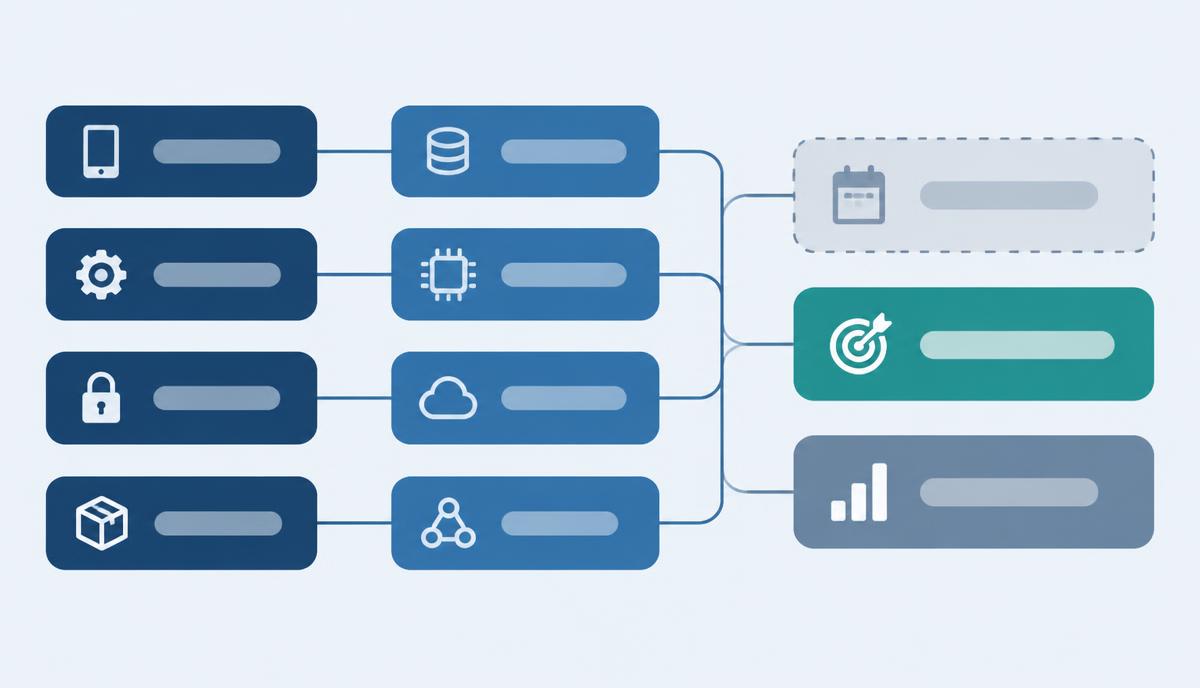
Rolling out Knox Suite Essentials step by step: which tasks it covers, and where Enterprise begins
Task list, component mapping and rollout order – a practical guide to deploying the Essentials Plan.
Read moreCases and rollout guides on what the Knox Suite Essentials Plan covers, and where Enterprise begins.
Task list, component mapping and rollout order – a practical guide to deploying the Essentials Plan.
Read more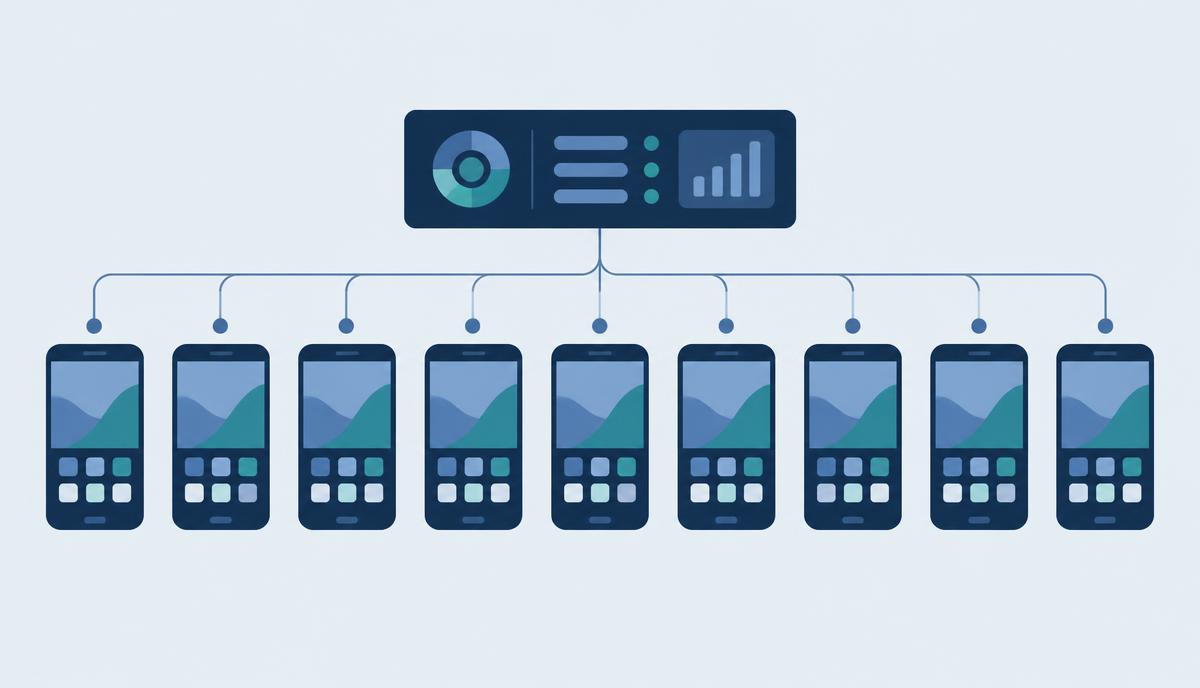
More than 400 phones, each set up differently – how Knox Mobile Enrollment and Knox Manage create one consistent baseline.
Read more
Based on Tchibo's in-store tablets: how a shop tablet can be locked down and managed remotely with the Essentials Plan.
Read more
Mobile data gone in days, changed settings, manual app updates – we map the tasks from the Waberer's case against what the Essentials Plan contains.
Read more