Remote control without extra software
Knox Remote Support comes with Knox Manage: IT sees and controls a colleague's Android device live, sends files and records sessions. No separate remote-support tool to buy.
DetailsThe Samsung Knox Suite – Essentials Plan bundles Knox Manage device management, Knox Remote Support remote-control assistance, Knox Mobile Enrollment zero-touch enrolment and Knox Platform for Enterprise Galaxy policies – under a single licence key. This page shows exactly what the licence includes, what it doesn't, and when moving to the Enterprise Plan makes sense.
Deepest control on Galaxy devices; Android, iOS/iPadOS, macOS, Windows and ChromeOS devices from one console. Essentials licence, upgradable to Enterprise.
Our specialists help with choosing the licence, setting it up and running it.
Cloud-based device management: settings, app deployment, policies, kiosk mode, locking or wiping lost devices – on Android, iOS/iPadOS, macOS, Windows and ChromeOS.
Screen sharing and remote control of Android devices from the console, with file transfer, screen recording and role-based permissions.
Galaxy devices registered by your reseller join management automatically the first time they are switched on.
Galaxy-specific security and management policies beyond Android Enterprise basics, delivered through the Knox Service Plugin. The KPE Premium licence is free of charge.
Not part of the Essentials Plan: Knox E-FOTA, Knox Asset Intelligence, Knox Mobile Enrollment Advanced settings, Knox Capture, Knox Authentication Manager – these belong to the Enterprise Plan. → Detailed comparison
Knox Remote Support comes with Knox Manage: IT sees and controls a colleague's Android device live, sends files and records sessions. No separate remote-support tool to buy.
DetailsDifferent policies in and out of working hours, on a given Wi-Fi network, on SIM change, roaming or inside a defined area. No manual intervention.
DetailsBuild single- or multi-app kiosks with your own logo and wallpaper in the Kiosk Wizard. Users reach only the apps you choose.
DetailsManage Android, iOS/iPadOS, macOS, Windows and ChromeOS devices from one cloud console. Windows and ChromeOS devices use the same licence.
DetailsGalaxy devices registered by your reseller enrol in Knox Manage on first boot. No need to handle each one.
DetailsRemote lock or suspend, wipe the whole device or just the work profile, and view the last known location.
Details



Knox Remote Support
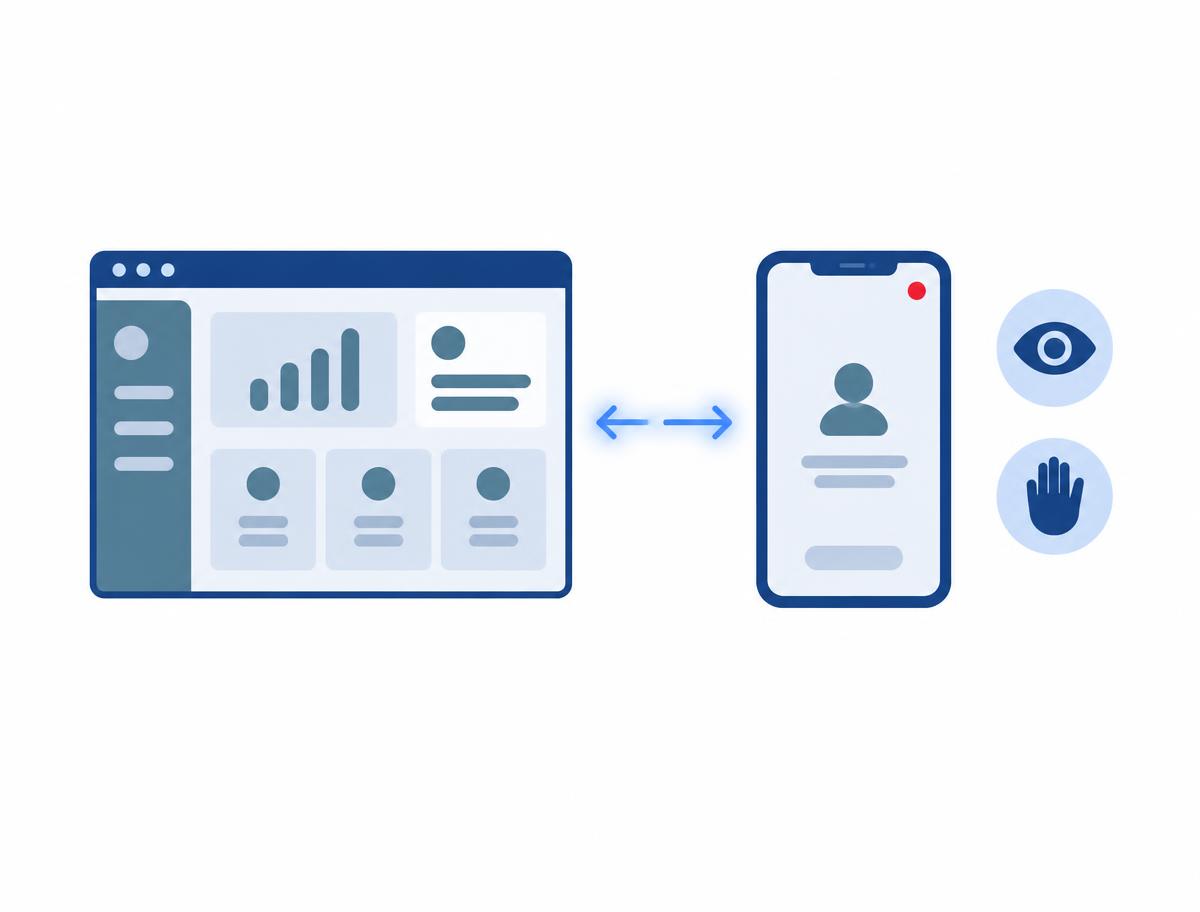
The Essentials Plan includes Knox Remote Support, launched directly from the Knox Manage console. IT staff see the user's Android screen live, control it remotely, take screenshots and recordings, and transfer files.
Roles define who may start a session and with which rights: view only, or full control of the device during the session.
There is no separate remote-support tool to source and license. This is one of the bundle's biggest strengths, as other MDM vendors typically reserve mobile remote control for their pricier tiers.
Good to know: Remote control is documented for Android devices; on non-Samsung devices the user must approve the session. Do not expect remote control of iOS devices.
Knox Manage
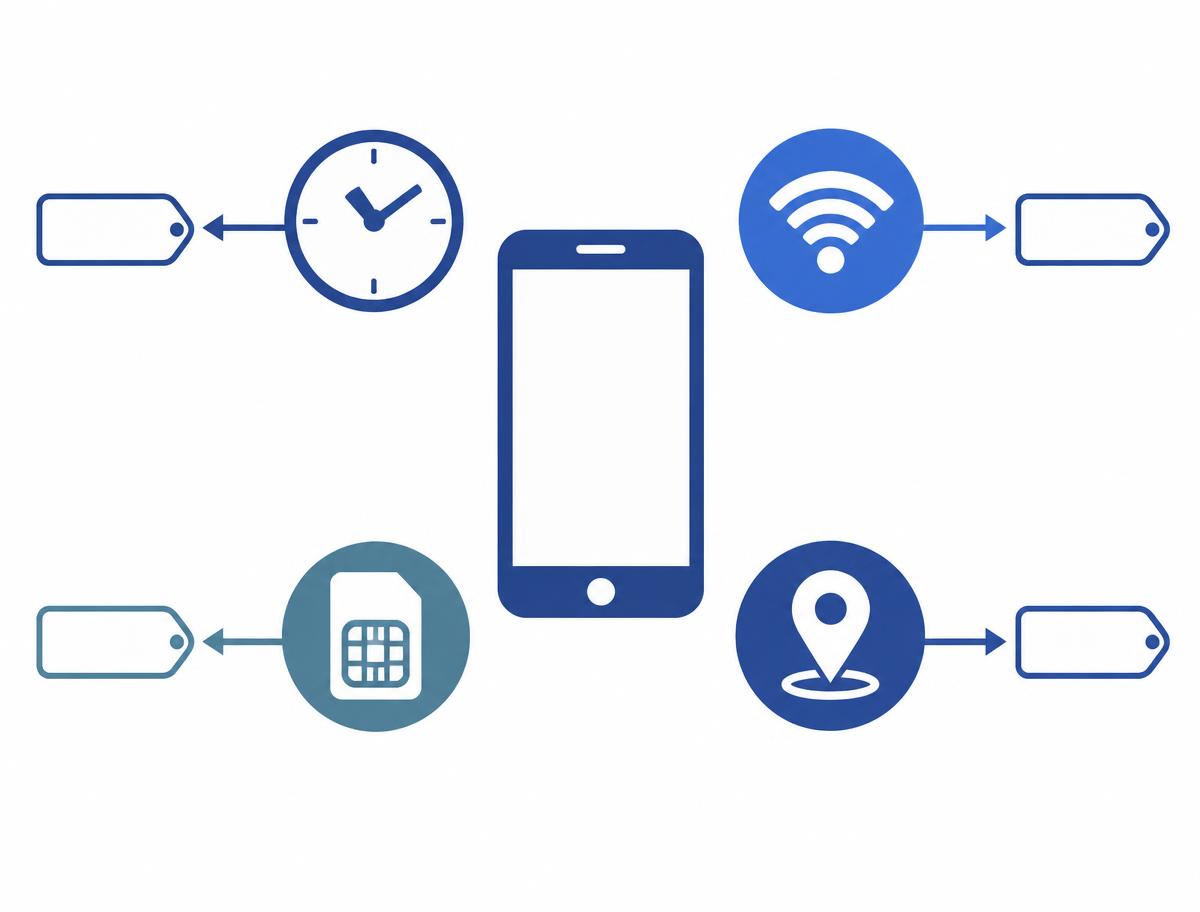
In Knox Manage, policies can be tied to events: day and time, a specific app running, a Wi-Fi network (SSID), SIM change, roaming or a geographic area (geofence).
When the event occurs, the assigned policy takes effect automatically; when it ends, the default policy returns.
Rules therefore apply in context without manual supervision: stricter app restrictions after hours, camera disabled on a site, immediate lockdown on SIM change.
Good to know: Day/time events also work on iOS; SIM change and geofence are Android only.
Questions about remote support or policies? We'll show you on your own devices.
Let's talk
Knox Manage Kiosk Wizard
With the Kiosk Wizard (Kiosk builder in the new console) you assemble a single- or multi-app kiosk by drag and drop: your own logo and wallpaper, folders, clock, calendar, banner, Knox Browser.
Users reach only the selected apps; the settings menu and status bar can be blocked, and apps needed in the background can be allowed separately.
No separate kiosk launcher to buy or build.
Good to know: Kiosk depth differs by platform (Android Enterprise, Windows 10/11, iOS/iPadOS app lock, ChromeOS, Wear OS); on Android 15+ the Bar colour cannot be changed.
Knox Manage
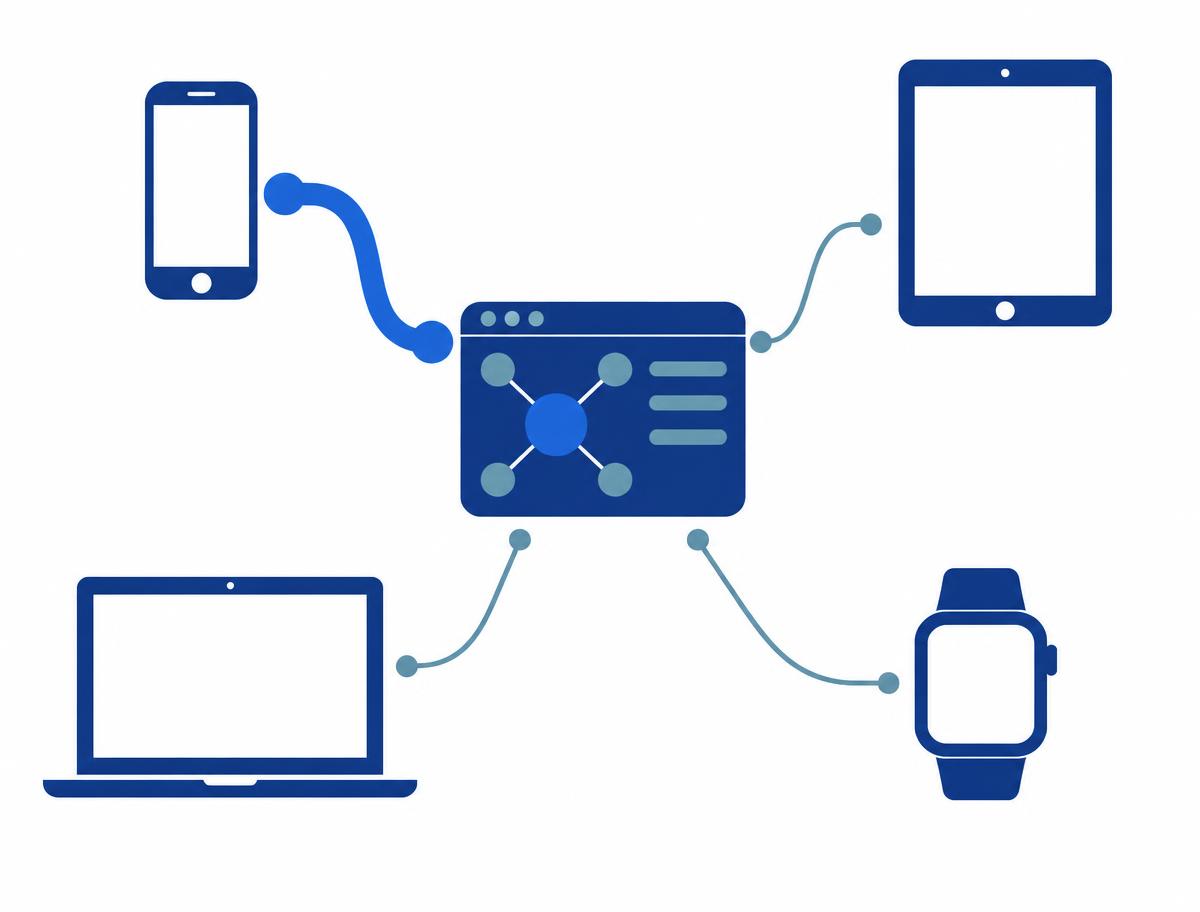
Knox Manage handles Android (Samsung Galaxy and other brands), iOS/iPadOS, macOS, Windows, ChromeOS and Wear OS devices from one cloud console. Windows and ChromeOS devices register with the same Knox licence as mobile devices.
Apps are deployed from Managed Google Play, the App Store or in-house packages; password, encryption and network policies are set per platform.
The deepest, Galaxy-specific control – Knox Platform for Enterprise policies – is available on Samsung devices.
Good to know: The new Knox Manage console handles Android devices only; non-Android devices are managed in the original console, and settings stay in sync between the two.
Running a mixed fleet? We'll check what the Essentials licence covers for you.
Request a licence quote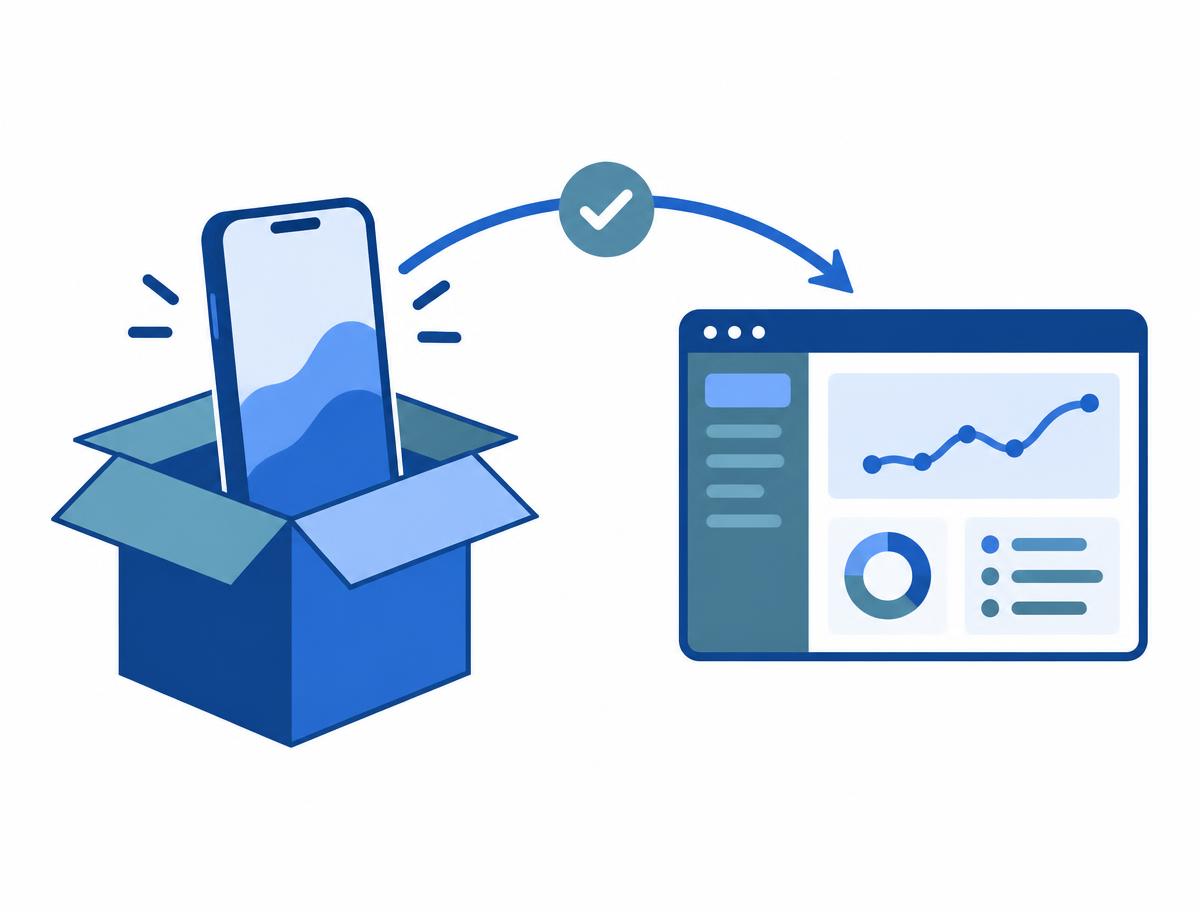
Knox Mobile Enrollment
The standard version of Knox Mobile Enrollment is part of the Essentials Plan (and also available in the free Base Plan).
An authorised reseller uploads the purchased Galaxy devices to Knox; on first boot, during initial setup, each device enrols in Knox Manage automatically and receives its assigned profile and apps.
IT does not have to unpack and configure devices one by one, and every device starts from the same baseline.
Good to know: Samsung Galaxy devices bought through an authorised reseller only. Enforced enrolment (locking a device that doesn't enrol within a set time) is a Knox Mobile Enrollment Advanced settings feature – not part of Essentials, only of the Enterprise Plan.
Knox Manage
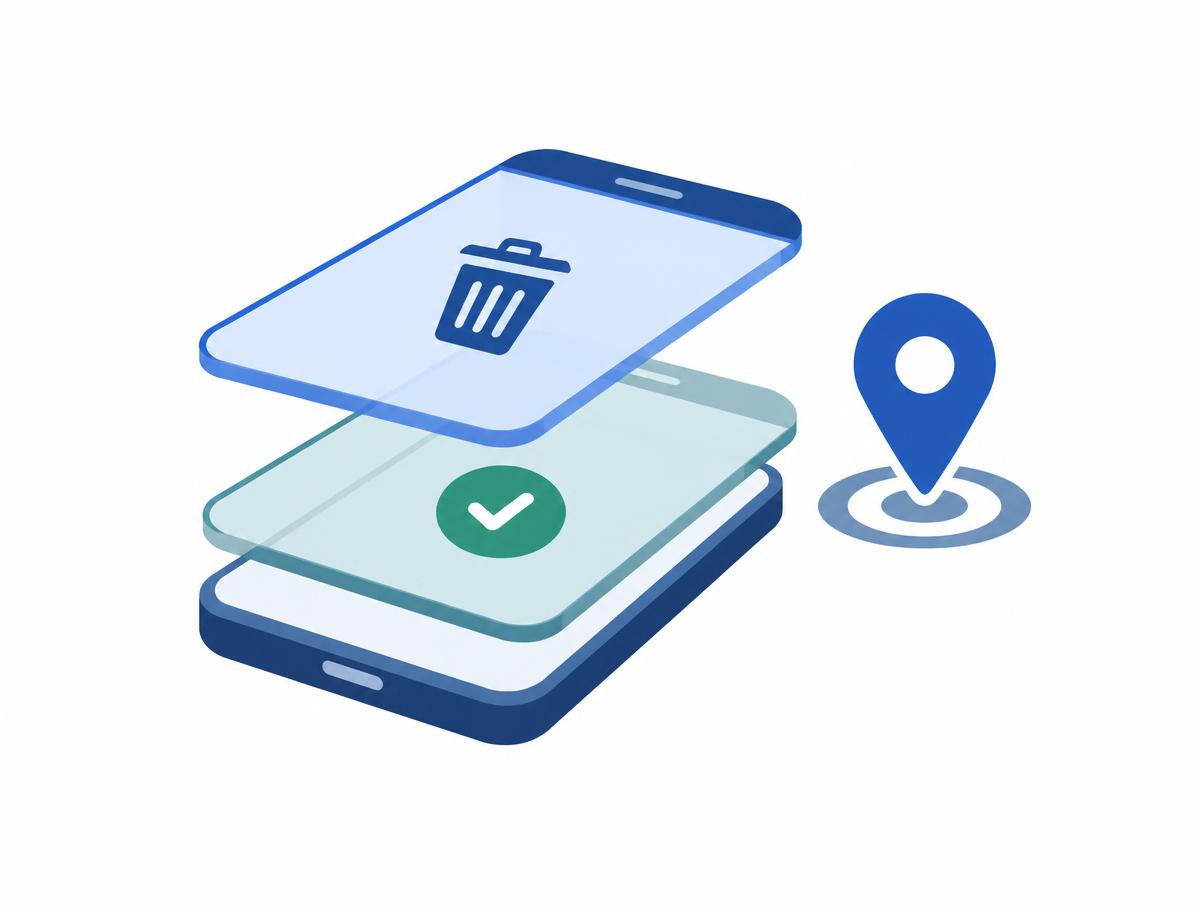
Lock or suspend a lost or stolen device remotely from the console, and wipe the whole device or – with a work profile setup – only the work profile, leaving the user's personal data untouched.
The device's last known location can be viewed.
For leavers, the same selective wipe allows a quick, clean handover.
Good to know: Commands differ by platform; selective work-profile wipe requires an Android Enterprise work profile setup.
Ready to roll out? We'll prepare a licence quote based on your device count.
Request a licence quoteThe table below shows the composition of Samsung Knox Suite plans based on the manufacturer's current licensing documentation. It is indicative; we confirm the exact contents with your quote.
| Service | Base Plan (free) | Essentials Plan | Enterprise Plan |
|---|---|---|---|
| Knox Platform for Enterprise (Galaxy policies, Knox Service Plugin) | Included | Included | Included |
| Knox Mobile Enrollment – standard (zero-touch enrolment) | Included | Included | Included |
| Knox Manage (device management, kiosk, policies, app deployment) | Not included | Included | Included |
| Knox Remote Support (screen sharing, remote control) | Not included | Included | Included |
| Knox Mobile Enrollment – Advanced settings (enforced enrolment) | Not included | Not part of Essentials | Included |
| Knox E-FOTA (firmware/OS version control, scheduled updates) | Not included | Not part of Essentials | Included |
| Knox Asset Intelligence (fleet diagnostics, battery, apps, security patch level) | Not included | Not part of Essentials | Included |
| Knox Capture (camera barcode scanning) | Not included | Not part of Essentials | Included |
| Knox Authentication Manager (biometric sign-in on shared devices) | Not included | Not part of Essentials | Included |
you need device management, kiosk mode, policies, remote support and zero-touch enrolment, and don't need to pin or schedule OS updates centrally on your Galaxy devices.
you want to pin the firmware version of your Galaxy fleet and schedule updates (E-FOTA), need fleet-wide battery, app and security-patch diagnostics (Asset Intelligence), or want to enforce enrolment (KME Advanced).
Not sure which plan you need?Let's talk
The Samsung Knox Suite trial runs for 3 months on up to 30 devices. It includes the full Enterprise Plan, so every Essentials component can be tested. After purchase, the trial's settings and enrolled devices are kept. We help you request the trial.
The Essentials Plan can be switched to the Enterprise Plan by SKU change – for example if you later need firmware control – and the tenant's settings and devices are kept.
Windows and ChromeOS devices register with the same Essentials licence as mobile devices.
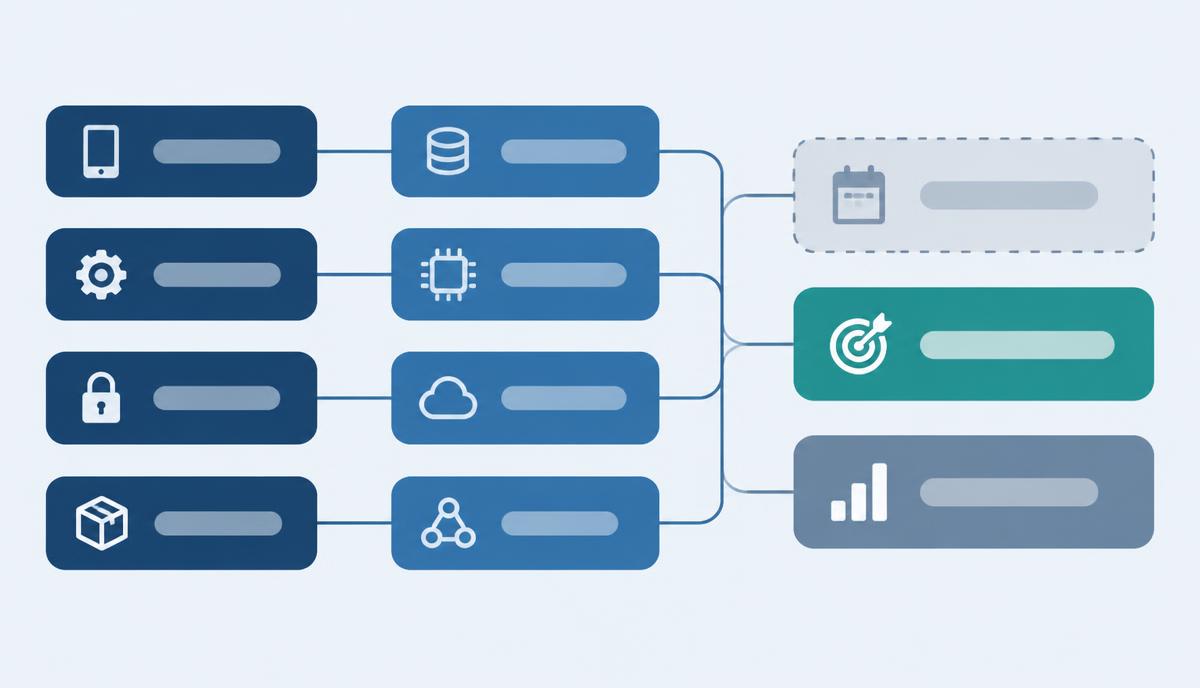
Task list, component mapping and rollout order – a practical guide to deploying the Essentials Plan.
Read more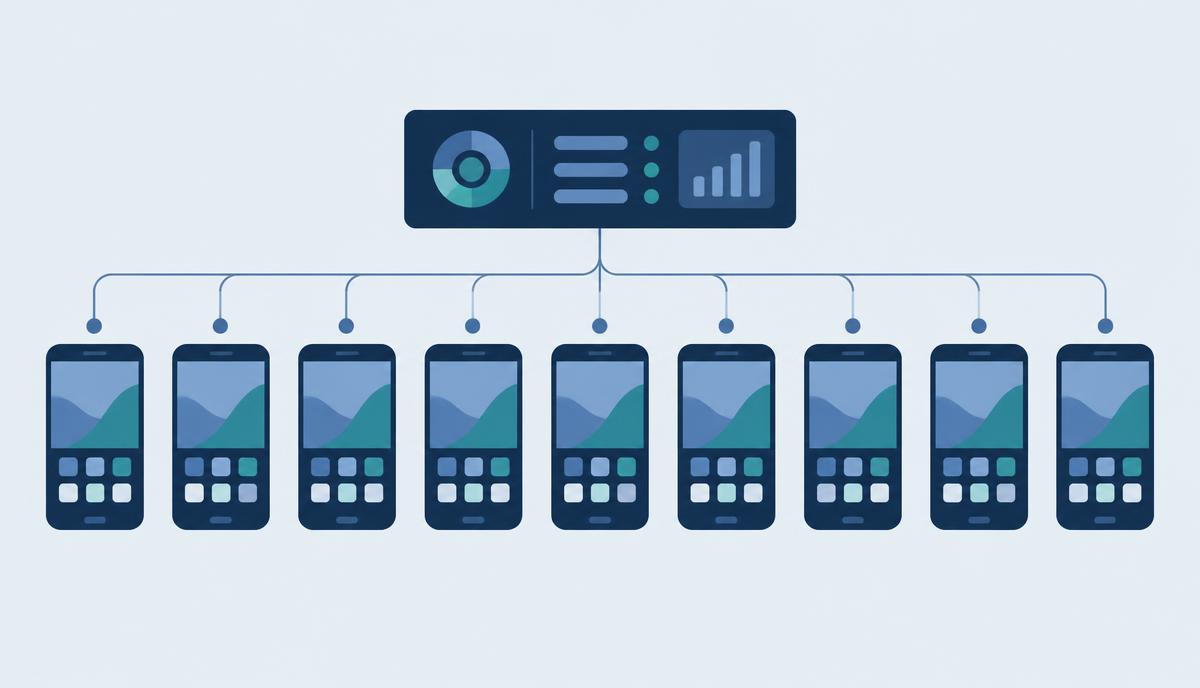
More than 400 phones, each set up differently – how Knox Mobile Enrollment and Knox Manage create one consistent baseline.
Read more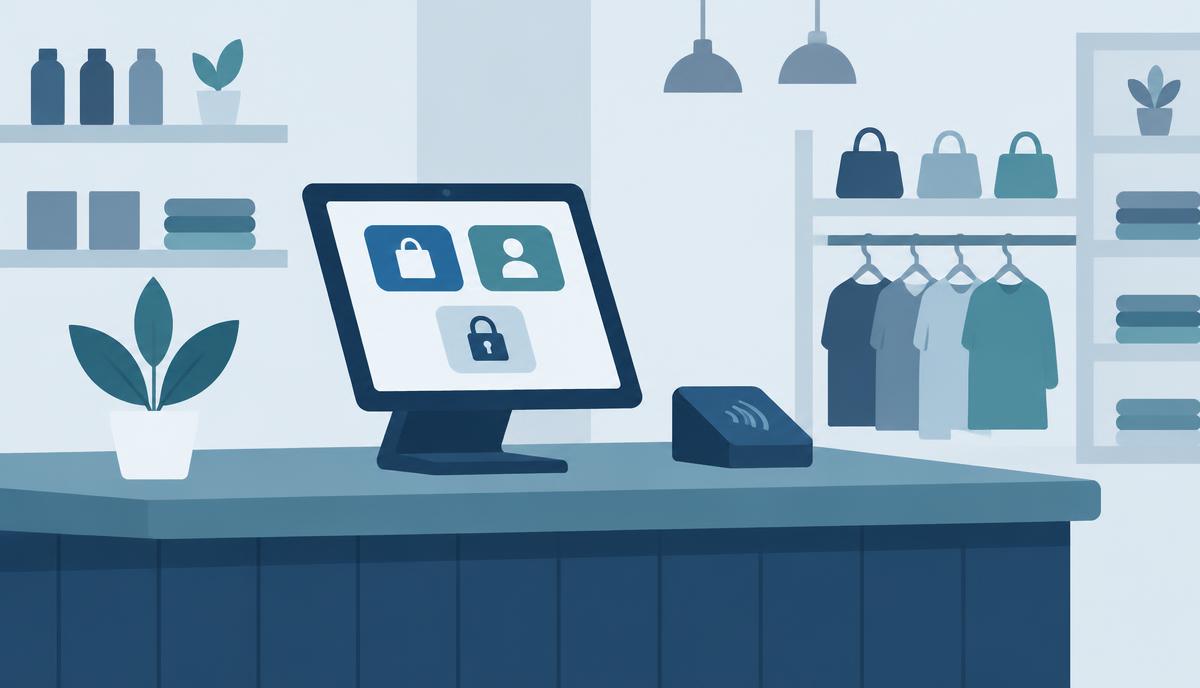
Based on Tchibo's in-store tablets: how a shop tablet can be locked down and managed remotely with the Essentials Plan.
Read more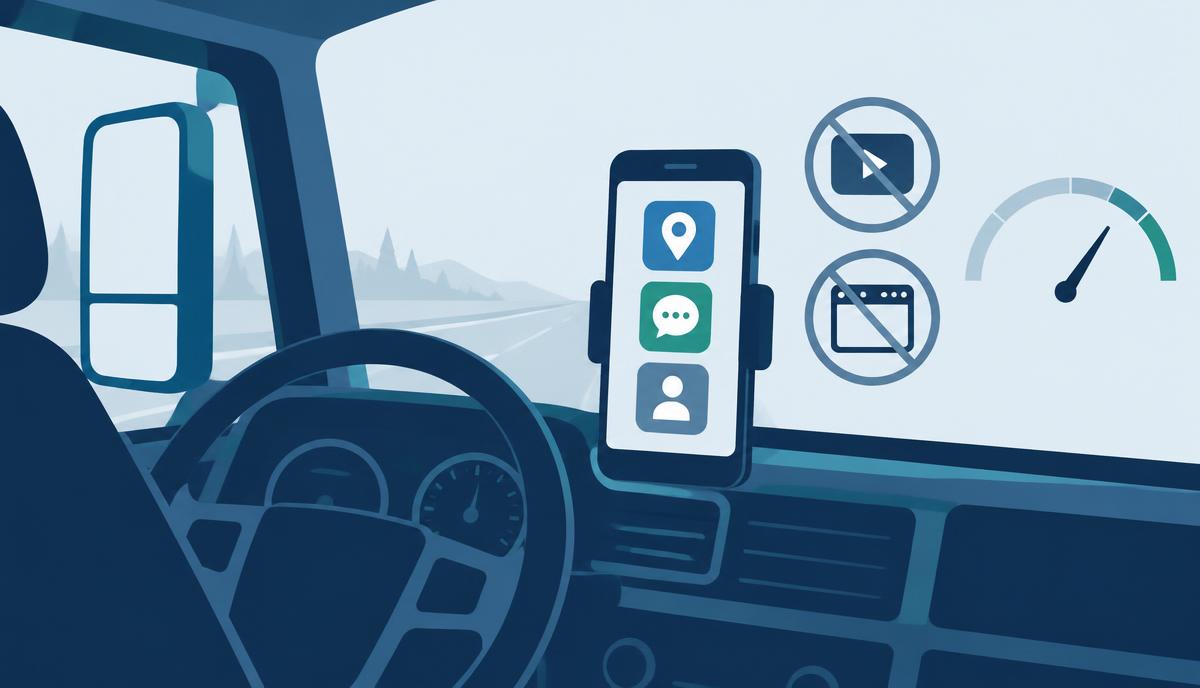
Mobile data gone in days, changed settings, manual app updates – we map the tasks from the Waberer's case against what the Essentials Plan contains.
Read moreGet in touch: our specialists help you choose the right licence, set it up and run it.
UBIK365 Kft. – Samsung Knox reseller, Budapest.